
Configuration Options
- Thermocouple or RTD input matched to the sensor
- Panel cutout, bezel and housing depth by drawing
- Display range, units and power supply by installation
Temperature Sensors
A digital panel mount thermometer displays the temperature from a compatible remote probe at the operator panel. Check the instrument input and power supply, then match the cutout, bezel and depth to the panel.
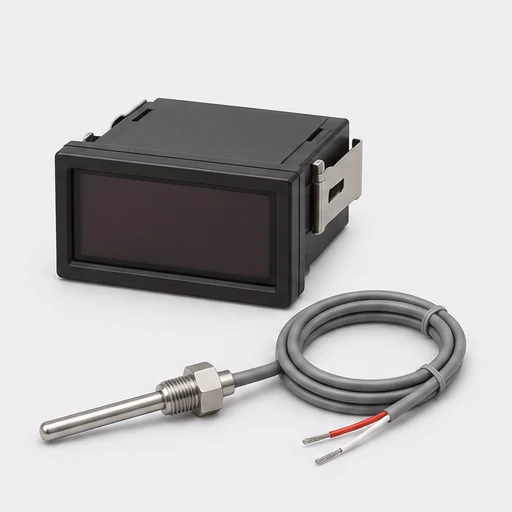
Configuration
The final construction depends on your drawing and operating conditions.
Give the panel drawing and the probe specification. Mark the terminal access and cable exit behind the panel.
| Fit check | What to confirm |
|---|---|
| Sensor and input mode | Provide the thermocouple type or the nominal RTD resistance, curve and lead count. Confirm the required temperature range and units. |
| Panel fit and power | Provide the opening dimensions, panel thickness, rear clearance, mounting method and supply. |
| Display or control functions | Specify reading, resolution and visibility requirements for an indicator. If the equipment needs closed-loop control, give the sensor, setpoint and power-stage interface. |
Typical inquiries include viewing remote process temperatures on machine panels, test stands and industrial enclosures.
Product catalog
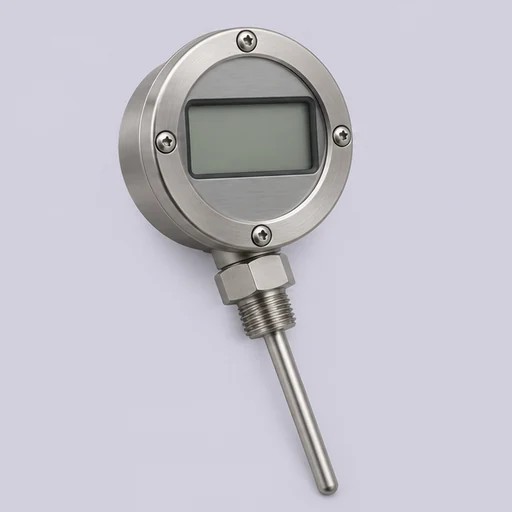
Temperature Sensors
Industrial digital thermometers with stems and readable displays for installed equipment and process measurement points.
View product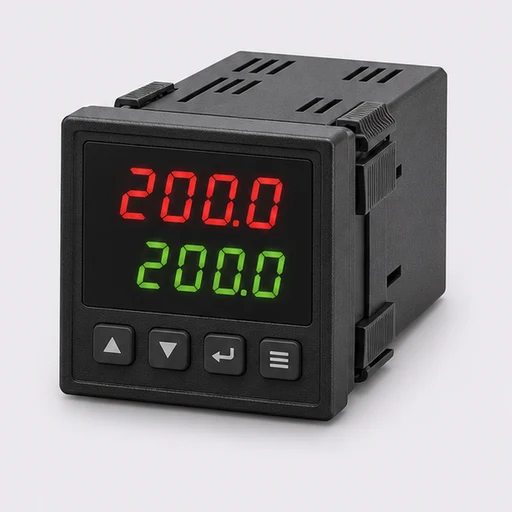
Temperature Controls
Digital PID temperature controls specified to the sensor, output interface and panel.
View product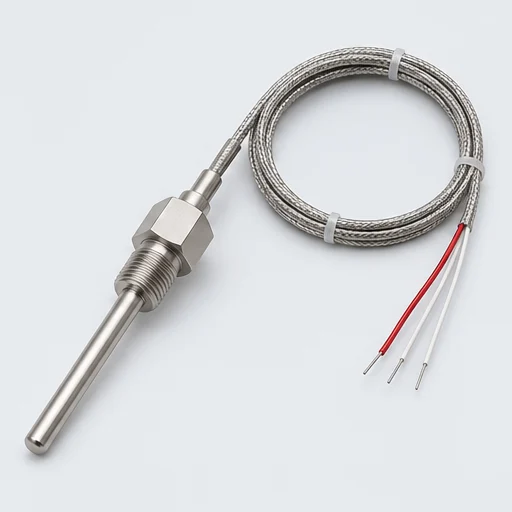
Temperature Sensors
Pt100 and Pt1000 sensor assemblies configured for your instrument and installation.
View product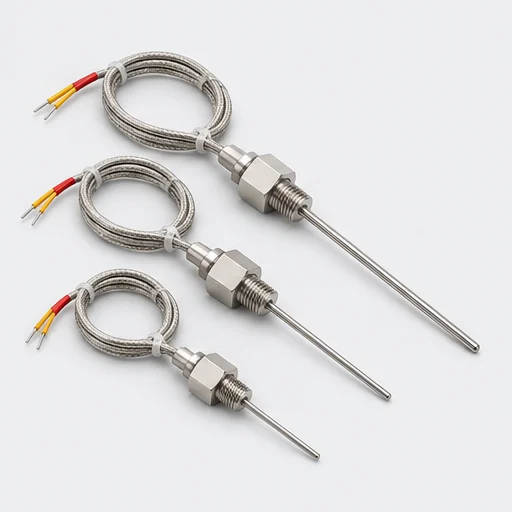
Temperature Sensors
Build-to-spec thermocouple probes and assemblies for industrial temperature measurement.
View product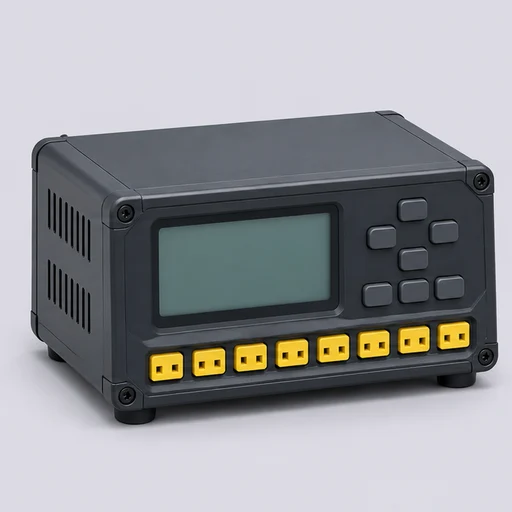
Temperature Controls
Thermocouple temperature recording instruments configured to the measurement points and reporting requirements.
View productInclude your technical requirements, target quantity and any supporting drawings.